

Whether you consider yourself a tech expert or a self-proclaimed tech-tastrophe, this blog post is here to help you discover my top tech tools for your English classroom.
As a curriculum and instructional specialist with a passion for exploring new technologies, I’ve compiled a list of my favorite tech tools that can revolutionize the way you teach. Technology is always changing, so I am sure this will change, but these are some of my favorites for now.
So, let’s dive in and explore the world of digital storytelling tools, captivating TikTok projects, and more!
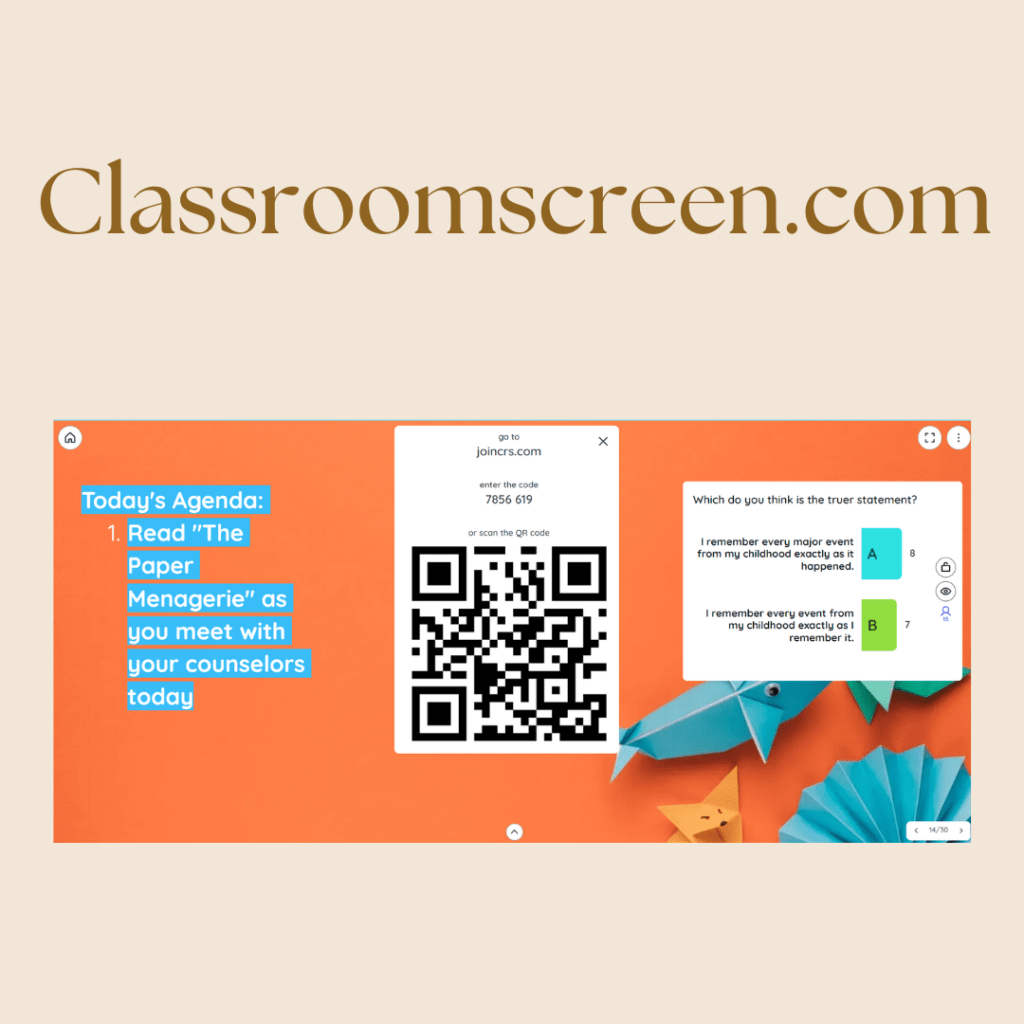
Classroomscreen.com: A Versatile Must-Have Tool
Let me start by sharing with you my FAV tech tool in the classroom: classroomscreen.com
I LOVE this tool because I can do EVERYTHING with it-
- agenda
- timers
- display the time (so they don’t HAVE to check their phones to “see what time it is”
- polls for a quick formative check on a skill/concept or to ignite some metacognition stuff with a new idea/concept
- digital exit tickets
Its versatility makes it an indispensable tool for streamlining classroom management and enhancing student engagement. For example I would:
- Use the QR code feature to connect to the form with a 1-question check-in for a quick formative check on skills or content we were covering
- Use the timer for independent reading or challenges we did in class
- Use the volume tool so that they could monitor their volume (fun fact- SOME will use to see who can get the loudest, so…..)
- Display QR codes with brief descriptions for choiceboard assignments where students could scan for articles, videos, podcast episodes, or audiobooks
- Use the dice for creative writing games
There is so much you can do with this tech tool in your classroom!
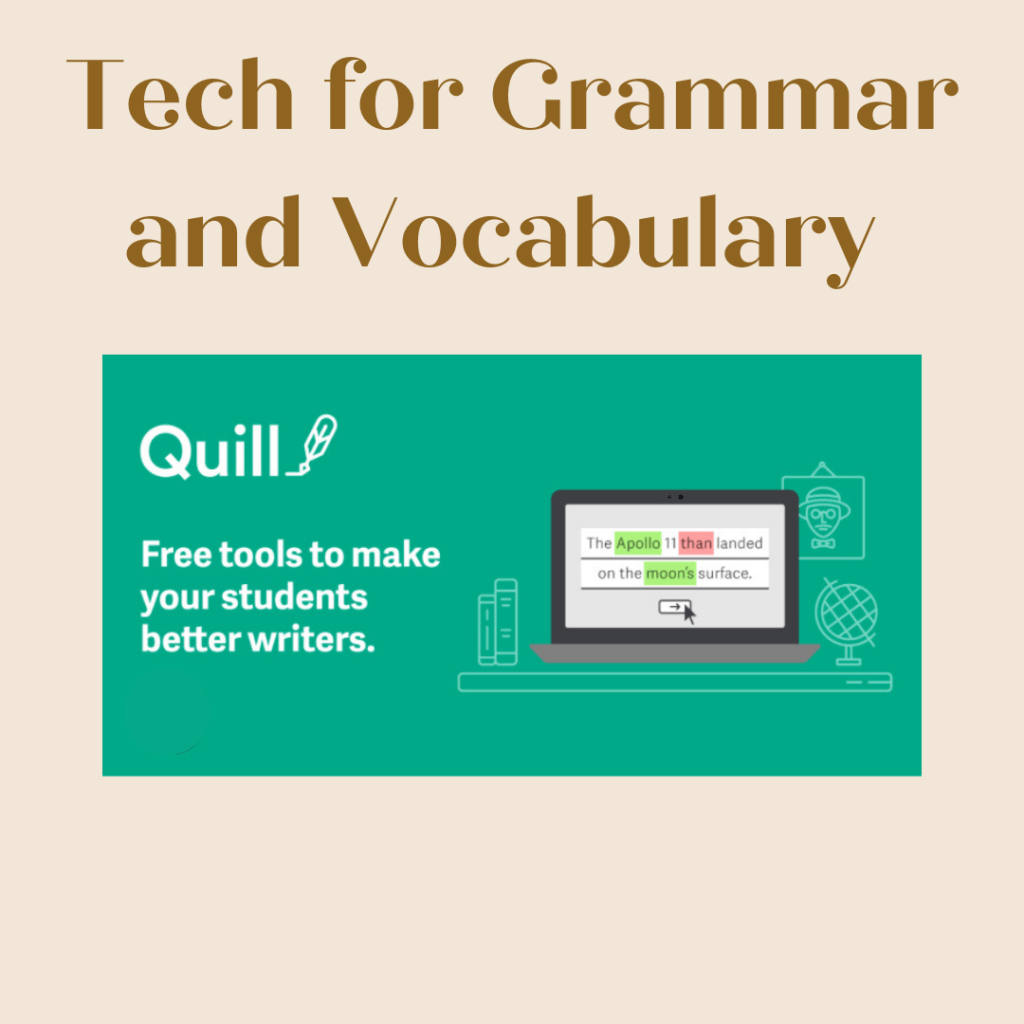
Tech For Grammar and Vocabulary
Grammar and vocabulary seem to be a struggle across the board lately. These two tools have been invaluable for both in my classroom!
Quill.org has everything you could want- diagnostic tests, pre-made lessons, independent practice for mastery, and so much more! I love that you can get so much bang for you buck with the FREE option.
Vocabulary.com has lots of premade lists for SAT, ACT, words in context for different books, root words, etc.
While it no longer offers as much for free, my favorite way to still use this tech tool in my classroom is by utilizing the Jams! These are fun competitions that will help your students in groups and they compete against each other. It’s similar to Kahoot.
Digital Storytelling Tools
Digital storytelling is a powerful way to engage students and develop their literacy skills. You may want to familiarize yourself with digital storytelling tools like Canva, Adobe Spark, Storyboard That, or Book Creator. These platforms allow students to create multimedia-rich stories, presentations, and projects.
Some of my favorites with these tools are:
- storyboards for their short stories or their Disney Movie Pitch project
- infographics to use with their research on a topic
- persuasive presentations
- graphic essays
- creating original books
I also love that these are easily collaborative tools as well. So, you can have students working in pair/small groups. Another box they check is for differentiation. You can provide templates for students who need a starting off place (especially your ELL students) or you can simply give a checklist to your more gifted students and let them run crazy!
Honorable Mentions: Voki and Animaker
While exploring the realm of tech tools, I stumbled upon Voki and Animaker, which show great promise.
Voki provides a free option to play around with, while Animaker offers more extensive features at a cost. You can consider proposing these tools to your administration for funding or explore opportunities like PTA grants to incorporate them into your classroom. These tools can add a touch of excitement and interactivity to your lessons, further enriching the learning experience for your students.
Harnessing the Power of TikTok Projects
I know, I know. The battle to keep kids OFF social media while in class is REAL! So, before you dismiss it as just another social media craze or afraid about having your students on their phones, hear me out.
TikTok has evolved into a powerful platform for self-expression and communication, providing a unique opportunity for our students to engage with important cultural issues. By inviting them to create a 1-minute informative and persuasive TikTok video on a topic they feel strongly about, we can tap into their creative potential while sharpening their literacy skills. It’s a win-win!
NOW, that doesn’t necessarily mean you need to have your students on TikTok itself. (This can be a wonderful time to also talk about digital stewardship as well).
So, when I say TikTok, I am using it more as a a real world scenario. You can just have them make an engaging video. In the project I will be sharing below, many of my students introduced me to CapCut for the first time! (P.S. I LOVE it!)
So, hopefully, I have now put your well deserved fears to rest….
Here are a few benefits of incorporating TikTok projects into your classroom:
Empowering Student Voices: Encouraging students to explore cultural issues they’re passionate about helps them develop their critical thinking skills and find their voice in society.
Digital Literacy Skills: In today’s digital age, it’s crucial for our students to become proficient in navigating online platforms responsibly. By creating videos, they can enhance their media literacy skills, learn how to effectively convey information, and evaluate the impact of visuals and sound on their audience.
Joyful Learning: Let’s not forget the element of fun! It motivates students to take ownership of their learning, promoting intrinsic motivation and a love for exploring new ideas.
As I mentioned above, I tried this with my own students at the end of the year and it went so well! Did I also mention how nice it is to not grade allllll those papers and instead have short videos to get through?
You can download everything you need to get this project going with your own students here!
Remember, your students can easily make these types of videos with tools like CapCut and iMovie as well. You may even want to try it out this summer yourself!

Teach tools for high school ELA you may already know
While these tools are pretty well-known, it doesn’t hurt to remind you how great they are for your classroom.
Flipgrid: Flipgrid is a video discussion platform that allows students to share their thoughts, ideas, and reflections through short video responses. Teachers can pose questions or topics, and students respond with video recordings, engaging in meaningful conversations with their peers.
Padlet: Padlet is a virtual bulletin board that enables students to collaborate, share ideas, and curate content. It can be used for brainstorming, group projects, discussions, and even as a presentation tool. Students can post text, images, videos, and links, creating an interactive and visually appealing space for collaborative learning.
Quizlet: Quizlet is a versatile tool for creating and studying flashcards, quizzes, and interactive games. It offers a wide range of study modes and features, making it engaging and effective for learning vocabulary, concepts, and other subject-specific content. Students can also create their own study sets and share them with classmates.
Kahoot!: Kahoot! is a game-based learning platform that turns learning into a fun and interactive experience. Teachers can create quizzes, surveys, and discussions to assess student understanding and promote healthy competition.
Edpuzzle: Edpuzzle allows teachers to make any video their lesson by embedding questions, quizzes, and other interactive elements within the video. It promotes active viewing and helps teachers gauge students’ comprehension. Teachers can also track students’ progress and gain insights into their learning.
Nearpod: Nearpod is an interactive presentation and formative assessment tool that transforms traditional slideshows into engaging multimedia experiences. Teachers can create interactive lessons, incorporating videos, quizzes, polls, and collaborative activities. Nearpod also allows for real-time feedback and data analysis.
Final Thoughts
As you gear up for the next school year, take the opportunity to explore these tech tools and consider incorporating them into your English classroom. Digital storytelling tools can ignite creativity and enhance literacy skills, while TikTok projects provide a unique and engaging way for students to express themselves.
Remember, technology is a tool that, when used effectively, can transform the learning experience and empower students in their educational journey. So, let’s embrace innovation and make the most of these exciting tech tools together! Don’t forget to check out the downloadable resources to kickstart your TikTok projects with your students. Happy tech exploring!
 Around the World With Mrs. C
One thought on “Top Tech Tools for High School ELA”